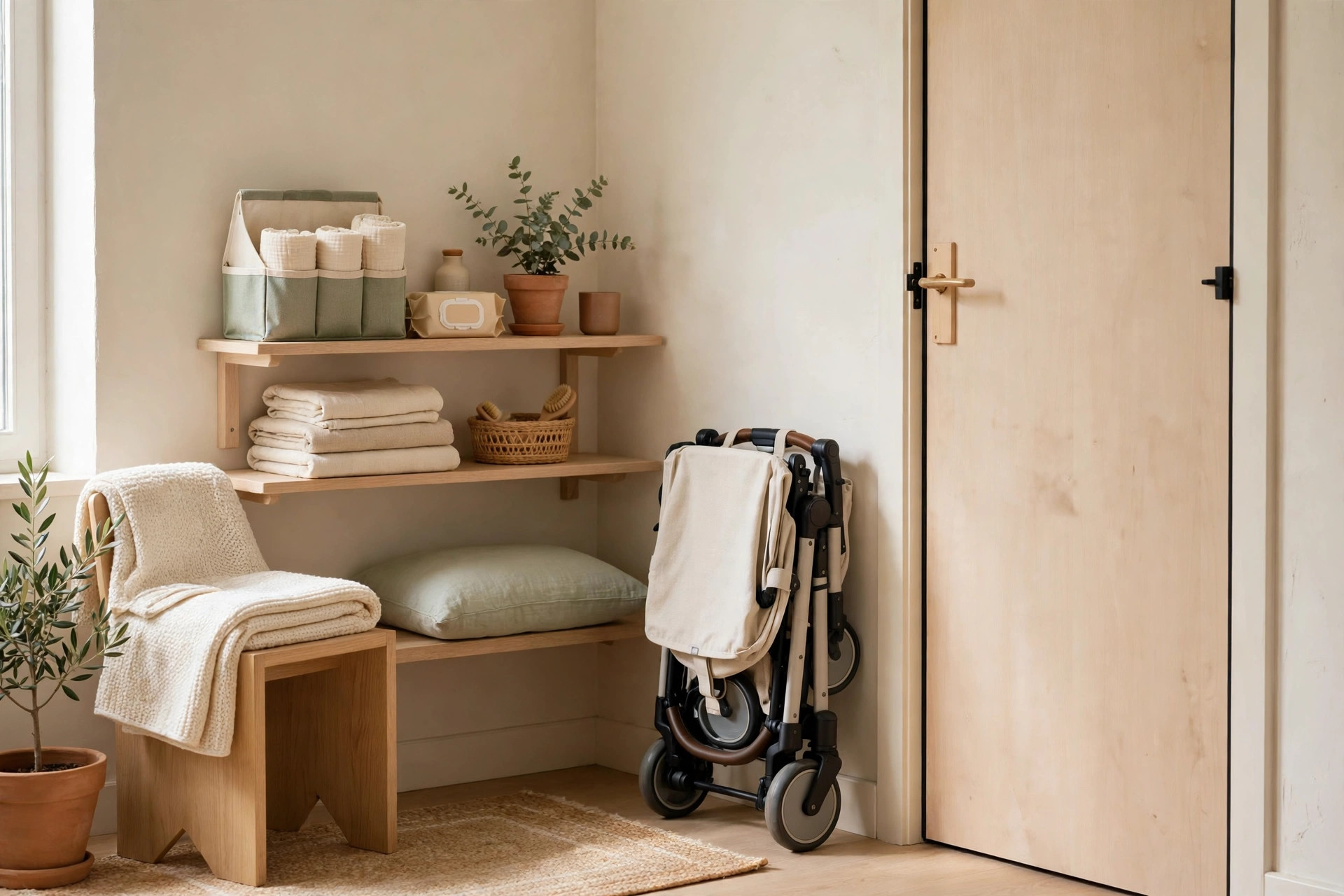
You need a home office, but you do not have a spare room. What you probably do have is a closet holding a jumble of things you barely use — and that closet is roughly the size of a proper desk setup. A small home office closet conversion, better known as a cloffice, turns that dead storage into a real workspace: a desk at the right height, shelves within arm’s reach, light where you need it, and doors you can close at 6 p.m. so work stops staring at you all evening. These 17 ideas cover the whole conversion, from the first tape measure to the shutdown routine that keeps it tidy.
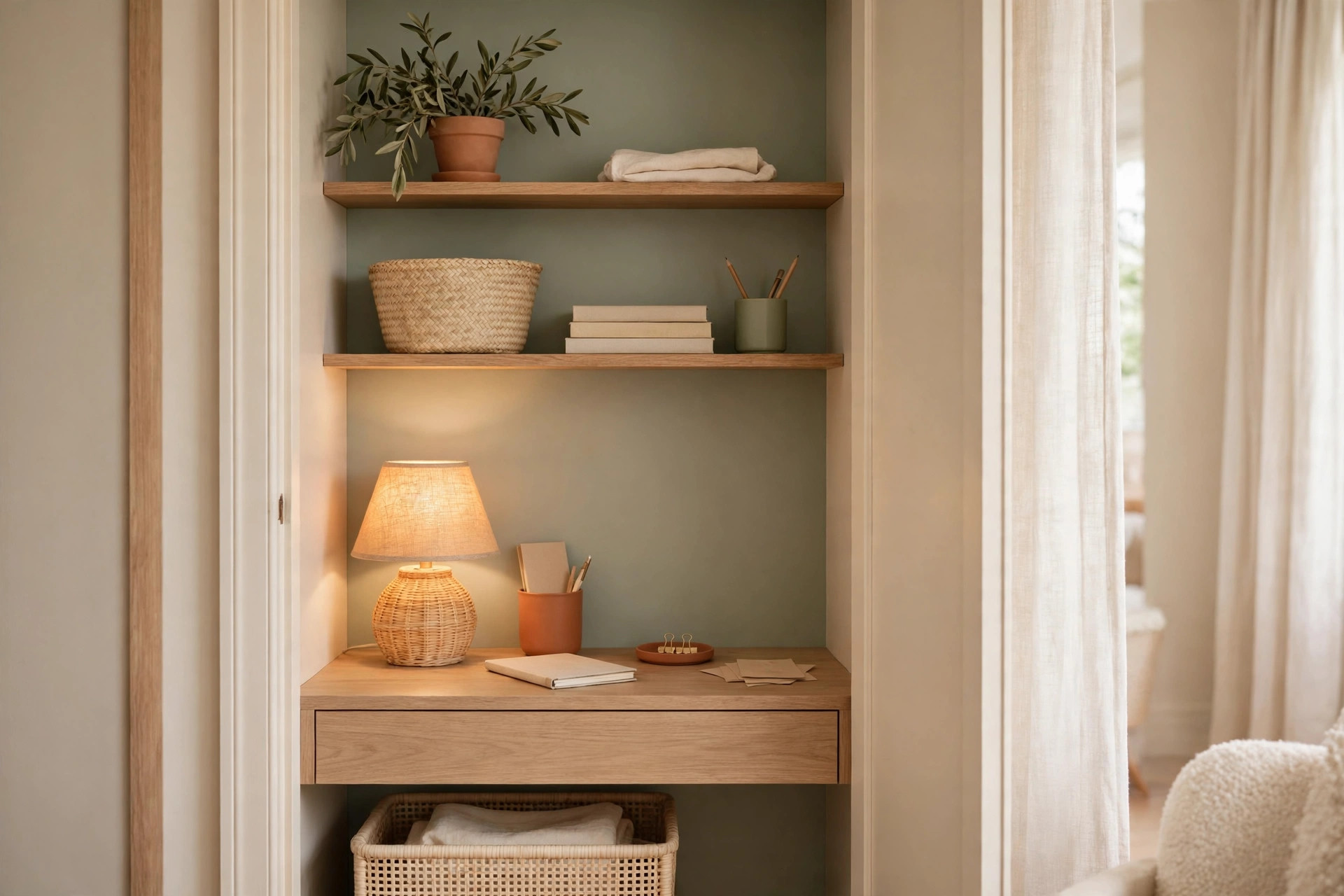
Measure the closet: depth and width decide desk vs shelf desk
Every good cloffice starts with three numbers: width, depth, and the height of the existing rod or shelf. Most reach-in closets are 24 inches deep and 36 to 72 inches wide — enough for a laptop or a single monitor. Measure at the narrowest point, because door frames and trim eat an inch or two.
1. Measure width, depth, and door clearance before buying anything
Write down the inside width at desk height, the depth from the back wall to the door frame, and how far the doors swing or slide. At 48 inches wide you have room for a monitor, keyboard, and notebook stack; at 36 inches, you are building for a laptop only. Knowing this first stops the classic mistake: buying a desk that fits the room but not the closet.
2. Let depth pick your desk type, not your wishlist
At 24 inches of depth, a standard desk or a board across the frame works, with room for a monitor arm and keyboard. At 20 inches or less, a wall-mounted or fold-down surface is smarter, because a full-depth desk leaves your knees against the wall and your monitor too close to your face.
The desk: wall-mounted, fold-down, or a board across the frame
The desk is the piece you will touch every workday, so it should be sturdy, level, and at elbow height — 29 to 30 inches for most adults. Skip flimsy folding tables and build for daily use.
3. Mount a wall desk at true elbow height
A wall-mounted desk, screwed into studs with brackets rated for at least 50 pounds, gives you a clean surface with zero legs eating floor space. Sit in your chair, bend your elbows to 90 degrees, and mark that height on the wall — that is your desk height.
4. Use a fold-down desk when the closet must stay multi-purpose
A fold-down desk hinges to the wall and drops flat when you need the closet back. It works best for laptop-only work, since a monitor usually has to come off before folding. Choose one with a locking stay arm, not a chain; most hold 20 to 30 pounds.
5. Lay a board across the frame for the cheapest sturdy desk
A 3/4-inch plywood or butcher-block board, cut to the closet’s inside width and resting on cleats screwed into the side walls, is the classic budget cloffice desk. It costs a fraction of a wall-mounted unit, holds a monitor and printer without flexing, and can be stained to look built-in. Renters can rest the board on freestanding brackets or small bookcases instead — the same trick behind renter-friendly closet organization.
Vertical storage above and beside the desk
A closet office has almost no floor space, so the walls do the storage work. Daily items live between desk height and eye level; everything else goes up high or out entirely.
6. Run one shelf above monitor height for reference items
A shelf mounted 18 to 20 inches above the desk holds binders, a small printer, or reference books without crowding your screen. Keep it shallow — 10 to 12 inches deep — and put the heaviest items at the ends, over the brackets.
7. Use the side walls for pegs, rails, and slim pockets
The narrow side walls suit a magnetic strip for scissors and clips, a rail with S-hooks for headphones and bags, or a slim hanging file pocket for weekly papers. This is where small desk supply organization pays off: wall-grouped items stay visible instead of vanishing into a drawer.
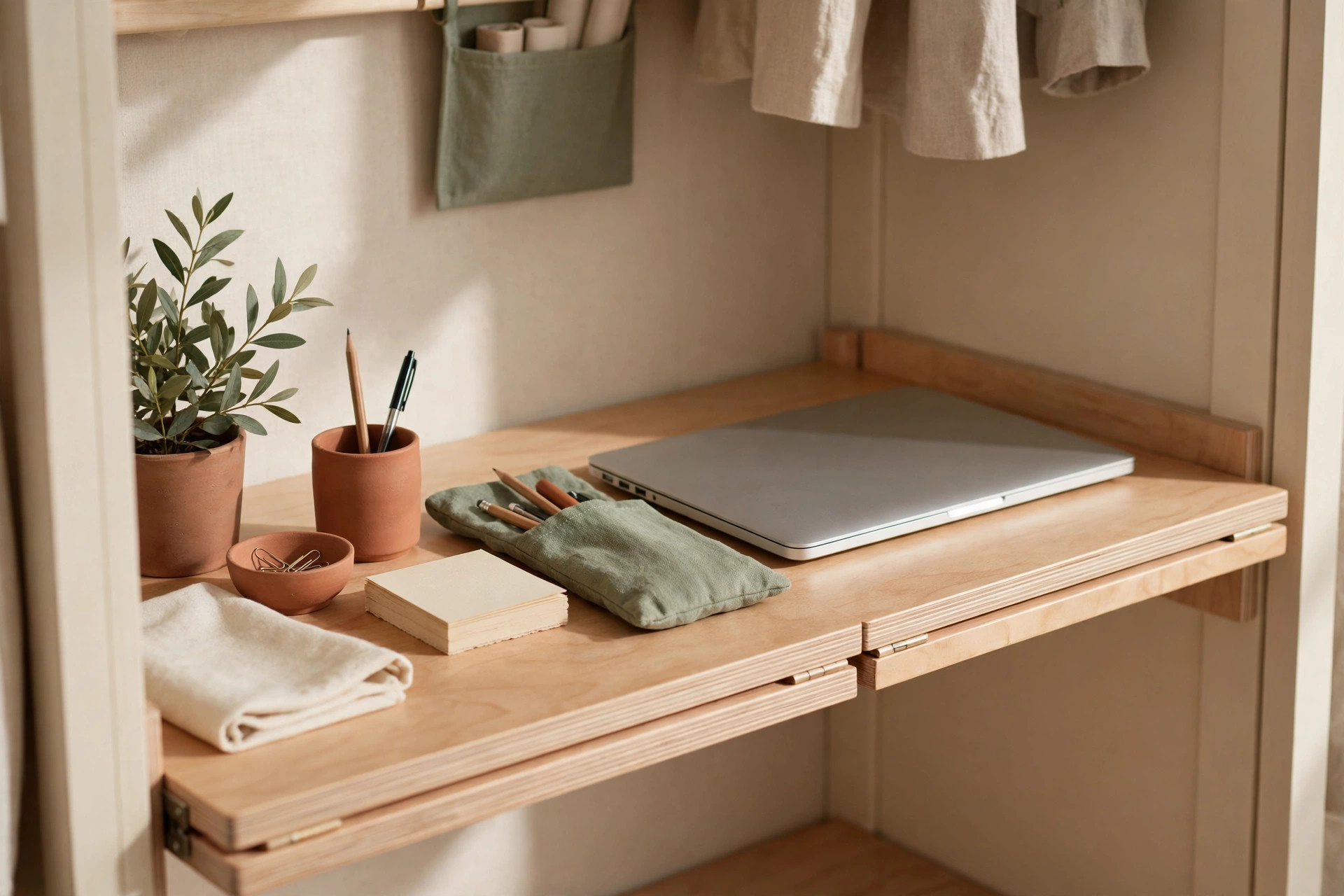
8. Stack small labeled bins on the top shelf for overflow
The shelf above your head is for monthly items, not daily ones: tax folders, spare cables, archived notebooks. Use matching bins, roughly 10 by 6 by 6 inches, labeled on the front edge so you can read them from below. One bin per category, nothing loose on top.
Lighting that beats the closet darkness
Closets were not built for eyes. Most have no window and one dim bulb — a recipe for headaches and shadowy video calls. Lighting is the single upgrade that most transforms a cloffice from a cave into a workspace.
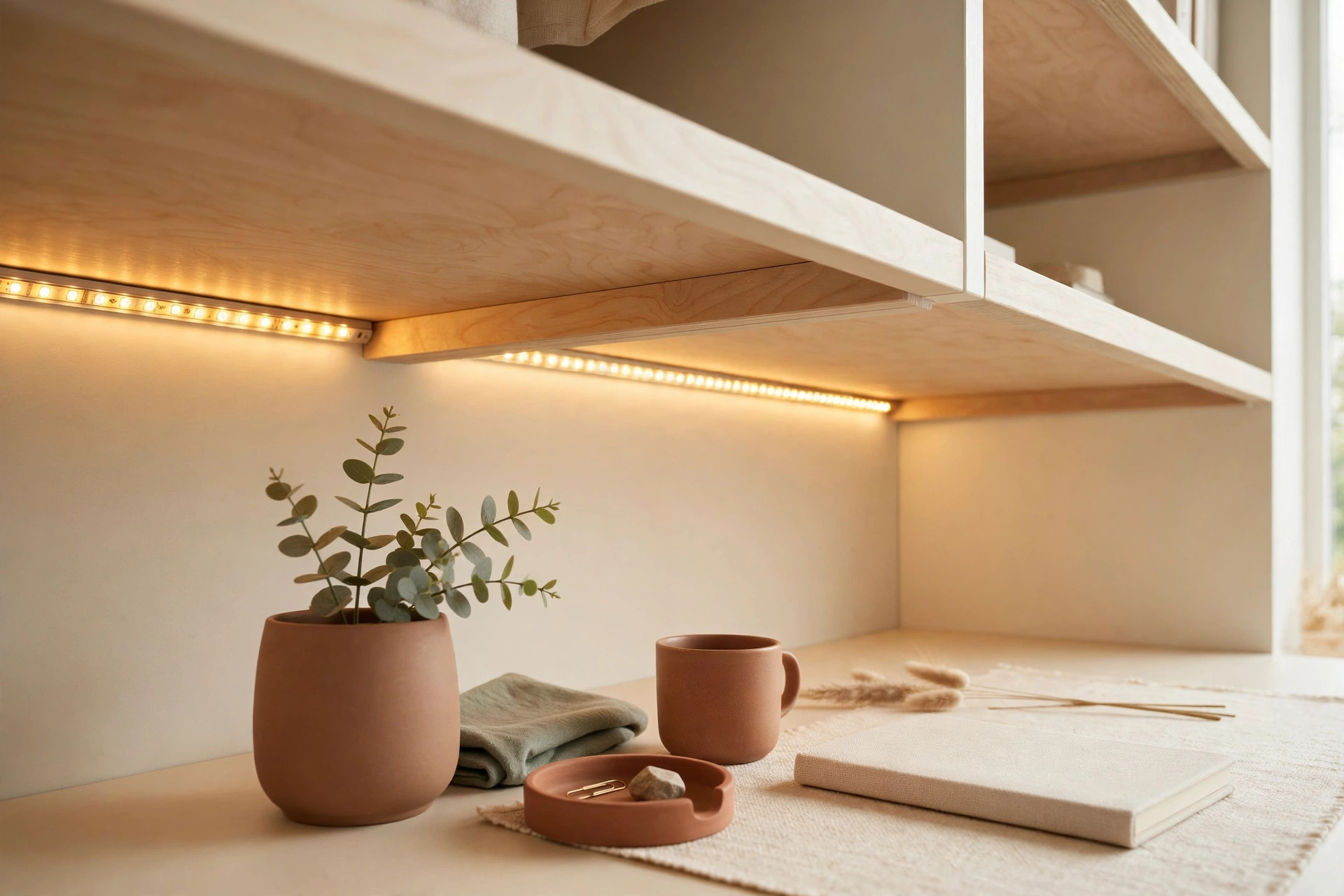
9. Mount an LED bar under the top shelf
A plug-in or battery LED bar, 18 to 24 inches long, mounted under the shelf above your desk, throws even light across the work surface with no shadows from your head or monitor. Choose warm white around 3000K for comfort, or neutral 4000K for detail work, and get a dimmer for evenings.
10. Add a small task lamp for video calls and reading
Overhead shelf light handles the desk, but your face on calls needs light in front of you, not above you. A compact clip-on or USB task lamp, angled slightly upward, lifts your face out of shadow without glaring on your screen.
Cable and power without drilling holes everywhere
A cloffice concentrates every cable problem into four square feet: laptop charger, monitor, lamp, phone, and maybe a printer, all competing for one outlet. The fix is routing, not more holes.
11. Mount a power strip to the side wall or desk underside
Screw or stick a 6-outlet surge-protected strip to the side wall at desk height, or under the desk with adhesive mounts, so plugs are reachable without crawling behind furniture. One strip handles the whole setup, and a single switch kills everything at shutdown.
12. Run cables through a channel, not across the floor
An adhesive cable channel along the back wall, plus clips under the desk, keeps cords off the floor and out of your chair’s wheels. A single family charging station setup in the cloffice keeps every device in one spot.
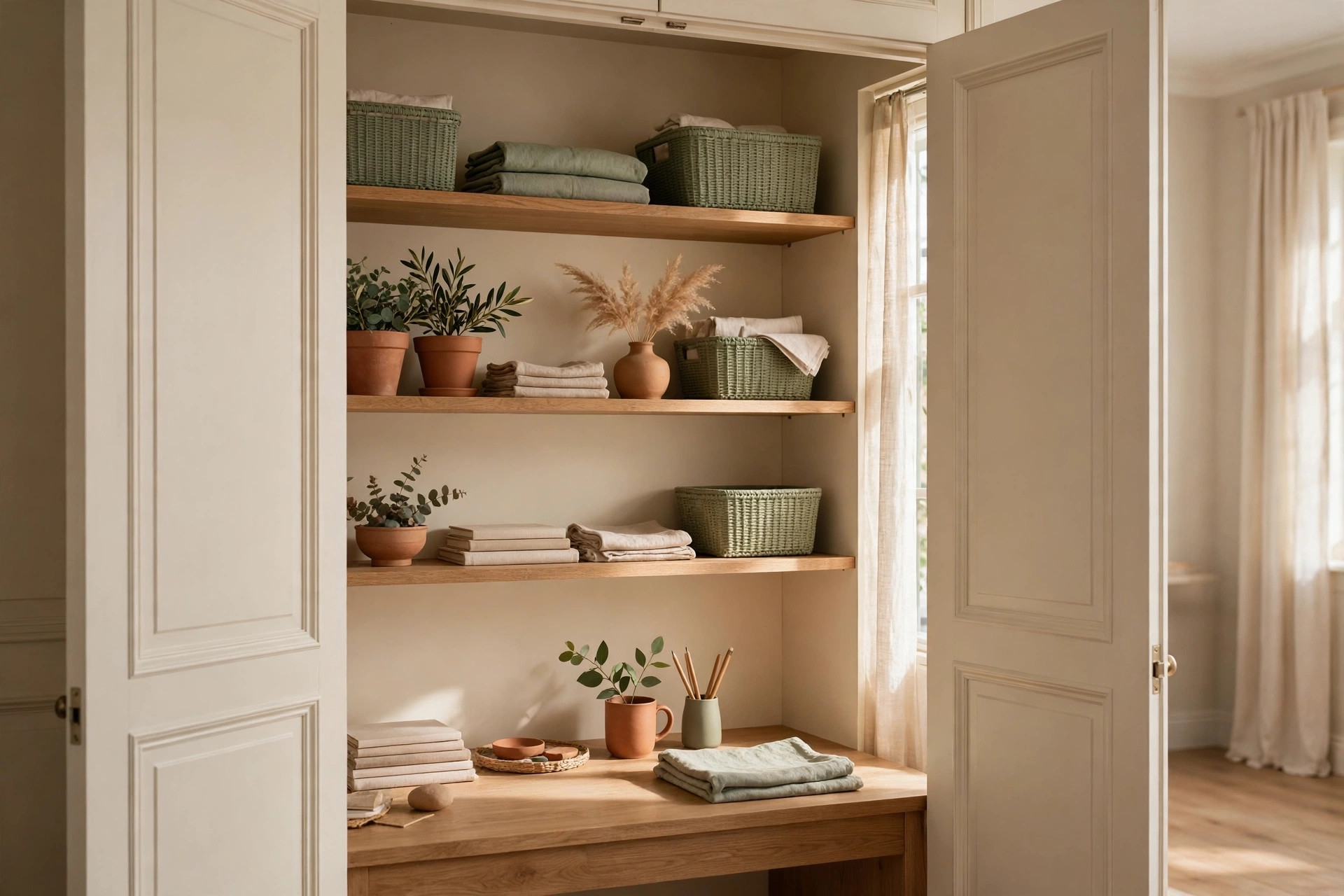
Doors on or off: closing work away at day’s end
Doors are the cloffice’s superpower — no spare room lets you literally close your office at day’s end. But doors also trap heat, block light, and eat swing space.
13. Remove sliding doors and hang a curtain for easy access
Sliding closet doors block half the opening at all times, which is miserable for a workspace you enter ten times a day. Take them off their track (store them flat under a bed for move-out day) and hang a curtain on a tension rod for the full opening while working and a clean close at night.
14. Keep bifold doors if you need a hard visual boundary
If your setup is visually noisy, or you share the room and need a real barrier, keep the bifold doors and add soft-close hinges or felt pads so they do not slam. They need about 2 inches of swing clearance in front of the desk, but that hard boundary is exactly what makes the cloffice feel like leaving work.
Making it comfortable: chair clearance and airflow
A cloffice you cannot sit in for two hours is a failed project. Comfort comes down to two things people forget until their back complains: room for the chair, and air that moves.
15. Leave real chair clearance, then pick the chair
You need 24 inches of clear space behind the desk for a chair to slide in and out, plus enough width to sit without your elbows hitting the door frame. A backless stool or slim armless chair fits closets a rolling office chair cannot.
16. Give the closet air with a gap, a vent, or a small fan
A closed closet with a warm laptop and a warm human gets stuffy fast. If you kept the doors, leave a 1-inch gap at the bottom or swap a solid panel for a louvered one, and add a small USB fan on the desk.
The shutdown routine that keeps a cloffice tidy
A cloffice is small enough that one messy day ruins it, and small enough that five minutes restores it. The difference between people who love their cloffice and people who abandon it is rarely the furniture — it is whether they close it down properly each day.
17. Run a five-minute shutdown before you close the doors
At day’s end, clear the desk to three items only — laptop, lamp, and one notebook — file loose papers into their wall pocket, coil the charger, switch off the power strip, and close the doors or curtain. Five minutes, and tomorrow starts clean.
Mistakes to avoid
Skipping the measuring step and buying a desk first is the classic error — measure twice, buy once, and remember door frames steal inches. Do not skip lighting and hope the room’s ceiling light reaches inside; it will not. Never run a space heater inside a closed closet office, and do not block the only outlet with a fixture you cannot reach. Finally, do not let the cloffice become overflow storage: the moment boxes creep back in, the office is gone. Move bulky items elsewhere first — the under-bed storage guide is a good first stop.
Frequently asked questions
Can a small closet really work as a full-time home office?
Yes, if the closet is at least about 36 inches wide and 20 inches deep and you work on a laptop or a single monitor. Dual monitors, large printers, and spread-out paperwork need more width than most closets offer.
How much does a closet office conversion cost?
A basic conversion — board desk, LED bar, power strip, tension-rod curtain — runs roughly $75 to $150. A built-in look with a butcher-block top, shelves, and a proper task lamp lands closer to $250 to $400.
How do I keep a closet office from getting too hot?
Leave a gap under the door or use a louvered door, add a small USB fan, and avoid closing the doors while a laptop and monitor run at full load.
Conclusion
A spare closet is already the right size and shape, in the right room — it just needs a desk at elbow height, light that reaches the work surface, and a shutdown routine that keeps it tidy. Work through these 17 ideas in order, measure before you buy, and your cloffice will be ready in a weekend. Browse our small-spaces category, and save this pin for later.