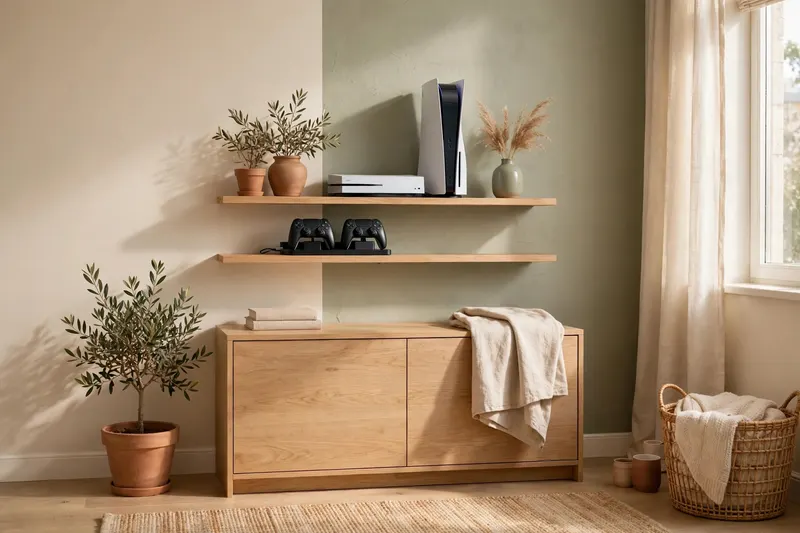
A gaming setup in a small apartment has a way of taking over the whole room. One console becomes two, controllers multiply on the coffee table, and the cables behind the console turn into a knot. These small apartment storage ideas gamers can actually use fix that without a bigger apartment or a new entertainment unit. Audit what you actually play with, give the consoles a ventilated home, dock every controller, store games where you can see them, and run the cables in one labeled line. Your whole setup fits in one corner — and a ten-minute weekly reset keeps it that way.
The setup audit: consoles, controllers, games, and cables
Most gaming clutter is not a storage problem — it is gear you stopped using months ago.
1. Lay out every piece of gear and sort it into play, store, or let go
Pull everything gaming-related out of the TV area and lay it on the floor: consoles, controllers, headsets, games, chargers, and cables. Sort it into three piles. Play means you used it in the last month. Store means a few times a year, like a second console. Let go means untouched for six months. The let-go pile leaves this week, and the store pile goes into one labeled closet bin.
2. Measure your corner before buying anything
Measure the width, depth, and height of the space your setup will occupy — the wall by the TV, the shelf inside the console, the top of the desk. A standard console is roughly 15 by 10 inches and needs 4 inches of clearance on the vent sides.
Console shelving: airflow, access, and hiding the boxes
Consoles are the biggest, hottest, and most expensive items in your setup.
3. Give each console its own ventilated shelf slot
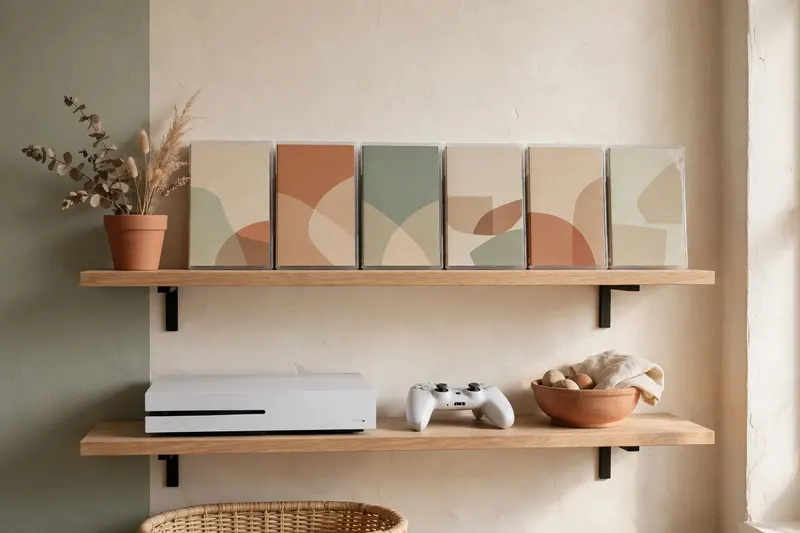
Give each console its own open shelf with 4 inches of clearance above it and 2 inches on the vent sides — never stack consoles. A console buried in a closed cabinet runs hotter, louder, and shorter-lived. Leave the front open so you can swap a disc without moving anything.
4. Hide the boxes and accessories behind a closed door or a fabric bin
Everything around it — the extra power brick, the spare HDMI cable, the game cases you are not playing — should be out of sight. One closed cabinet door or one fabric bin (roughly 10×10×11 inches) on the shelf below the console holds all of it. This is the same principle behind good small apartment media storage ideas: daily gear stays out, the rest disappears behind one door.
Controller docks and charging stations: every controller has a home
Controllers are the item most likely to end up on the sofa or under a cushion.
5. Use one charging dock for all your controllers
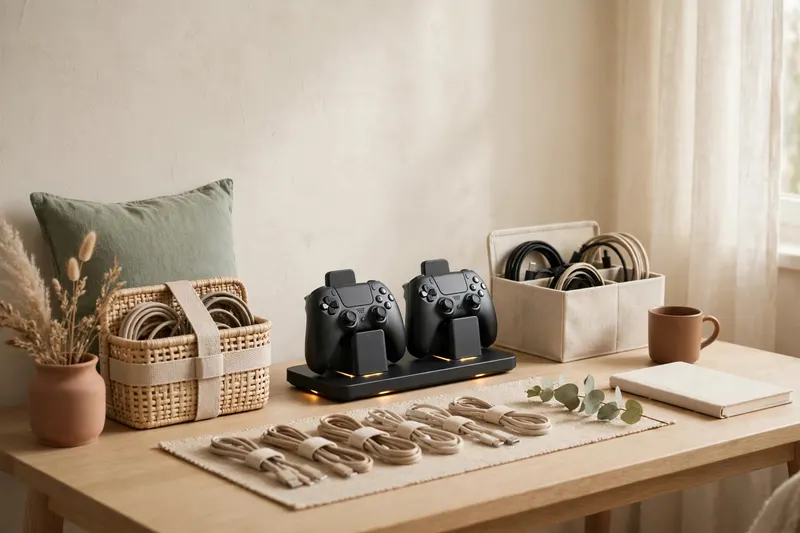
A dual or quad charging dock that matches your console keeps every controller charged and in one place. Put the dock on the TV stand or the shelf directly under the TV, within arm’s reach of your seat, and plug it into the same power strip as the console. The rule is simple: a controller is either in your hands or on the dock.
6. Add a small wall hook for the controller you use most
Even with a dock, one controller tends to travel — to the desk, to the bed, to a friend’s place. Give that one a dedicated hook: a single adhesive hook on the side of the TV stand or the wall beside your chair, at arm height. The same logic powers family charging station ideas for phones and tablets.
Game storage: wall shelves, slim cases, and the digital-first rule
Game cases are thin, but twenty of them make a leaning tower.
7. Store game cases upright on a narrow wall shelf, spine out
Mount one or two narrow picture-ledge shelves (about 3 inches deep) on the wall beside the TV, and line your current games up spine-out like books. You can see every title at a glance and pull one out without disturbing the rest, and the shelf takes zero floor space. Cap the collection at what fits — a new game means an old one leaves. If you cannot drill, use a leaning ladder shelf instead.
8. Go digital-first for new games and keep a slim case for discs
Buying digital is the single biggest space saver there is: a digital library takes up no shelf at all. Make digital your default for new purchases, and keep physical discs only for games you love, collect, or cannot buy digitally.
Cable control: one labeled run instead of a spaghetti pile
Cables look the worst and cause the most trouble — and they are the easiest to fix.
9. Run every cable through one labeled channel to a single power strip
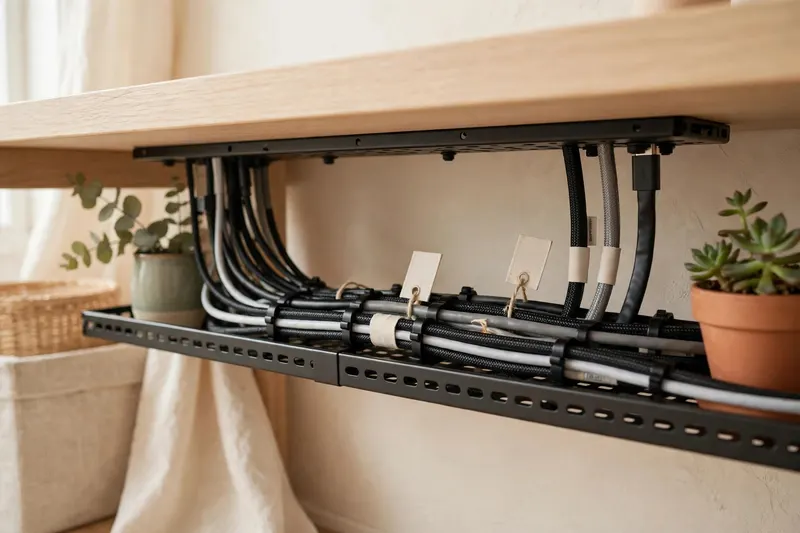
Gather every cable and route them along one path to a single surge-protected power strip with at least 8 outlets. Use a stick-on cable raceway along the back edge of the stand for the slack. Label both ends of every cable with a small piece of tape: “PS5 power”, “HDMI 1”, “headset charger”.
10. Shorten cables and coil the slack in one cable box
Most cable mess is slack: a 6-foot cable doing a 2-foot job, coiled loosely behind the console. Swap long cables for the shortest length that reaches, coil the slack into a loop held with a velcro tie, and tuck it into a small cable management box behind the TV stand.
The gaming corner: one chair, one shelf, one zone
A gaming setup does not need a whole room, just one defined zone.
11. Define the zone with one chair and one shelf, and nothing else
Pick your spot and put exactly three things in it: your chair, the TV, and one shelf unit for the gear. Everything gaming-related lives inside that zone. If a controller or a game case is found outside it, it goes back at the end of the session.
12. Use vertical wall space above the zone for display and storage
When floor space is gone, go up. The wall above your gaming zone holds a floating shelf for current games, a small display ledge, and a hook for your headset. The same vertical thinking works for other collections: board game storage ideas for small apartments use wall shelves to show the games in play.
Headsets, mics, and accessories: hooks and small bins
Headsets and small accessories are light, oddly shaped, and easy to lose.
13. Hang the headset on a hook, not on the desk or the chair
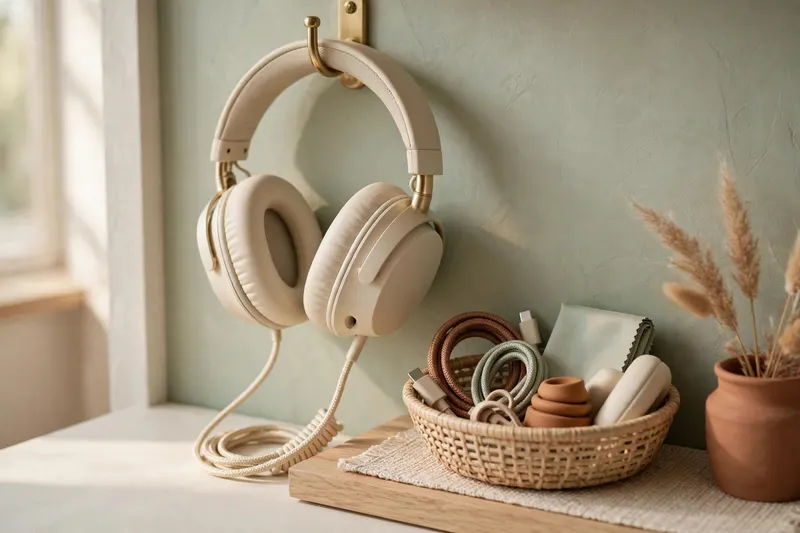
A headset left on a desk gets knocked off, sat on, or buried under papers. Hang it on a single adhesive or clamp-on hook on the side of the TV stand, the shelf, or the wall beside your chair, at about shoulder height when seated.
14. Keep one small bin for the accessories that have no hook
Every setup has small items that do not hang: spare batteries, a charging cable, a controller grip, a cleaning cloth, a memory card. Put all of them in one small bin — about 8×6×4 inches — on the shelf under the console, with a label on the front. Empty it once a month — a bin that never gets emptied becomes a junk drawer.
The weekly reset: discs filed, controllers charged, desk clear
Storage only works if it is maintained, and maintenance only works if it is short.
15. Run a ten-minute reset every Sunday: file, charge, clear, wipe
Set a weekly ten-minute timer and do four things in order. First, file: put every game case back on the shelf spine-out and return any disc to its case. Second, charge: put every controller on its dock and plug in the headset. Third, clear: return anything that wandered out of the gaming zone back to its home. Fourth, wipe the console vents and the shelf — dust makes the console run hotter.
Mistakes to avoid
The fastest way to waste money on gaming storage is to buy before you audit. A charging dock for four controllers is useless if you own two, and a wall of shelves is useless if your games are digital. Do not buy a closed cabinet for a console that needs airflow, and do not stack consoles — heat damage costs far more than a shelf ever will. Never run cables under a rug — it is a trip hazard and it damages the cable.
Frequently asked questions
How do I store a gaming setup in a really small apartment?
Give it one defined zone — one chair, one shelf, and the TV. Use wall shelves for games, a dock for controllers, and one labeled cable run. Buy digital by default so the library takes no shelf space.
Can I put my console in a closed cabinet?
Not unless the cabinet has open vents and at least 4 inches of clearance around the console. Consoles need airflow, and a closed cabinet traps heat. An open shelf or a cabinet with the back panel removed is safer and usually cheaper.
How many controllers should I keep out?
Keep out only the controllers you use every week — usually two. Store spares and specialty controllers, like a racing wheel or a fight stick, in a labeled closet bin and bring them out only when you play with them.
What is the best renter-friendly way to mount gaming shelves?
Use a leaning ladder shelf or a tall narrow bookcase if you cannot drill at all. If adhesive mounting is allowed, use heavy-duty adhesive strips rated for the shelf’s weight.
How do I stop cables from taking over behind the TV?
Route every cable along one path to a single power strip, label both ends, and coil the slack into a cable box. One twenty-minute session fixes it, and the weekly reset keeps it fixed.
Conclusion
A small apartment does not have to fight your gaming setup. Audit what you own, give each console a ventilated shelf, dock every controller, store games spine-out on the wall, and run one labeled cable line — all inside one chair-and-shelf zone with a ten-minute weekly reset. Save this pin for later, and explore more ideas in the small-spaces category.