Your laptop lives on the dining table. Your charger snakes across the sofa. Notebooks, headphones, and printed forms share space with the fruit bowl, and by 6pm the whole apartment still looks like an office. If you work from home in a small apartment, you need small apartment storage remote workers can actually live with: a system that gives your work gear a specific place, hides it at the end of the day, and brings it back in under two minutes the next morning. No spare room, no drilling, and nothing here needs more than a single drawer, shelf, or corner.
The Remote-Work Storage Problem: Work Gear in a Living Space
A remote job in a small apartment means one room does double duty, and the gear multiplies: laptop, second screen, keyboard, headphones, webcam, chargers, cables, notebooks, pens, printed documents. Left loose, it spreads across every flat surface until the apartment feels smaller than it is — and your brain never clocks out, because the office is always in view.
1. Audit what work actually owns
Before you buy a single bin, gather every work item into one pile on the bed. Most people find 15 to 25 items, and at least a third — old cables, dead pens, pages already filed digitally — can leave today. Everything that stays gets a home in the systems below. Anything with no assigned spot by the end of this article lives in a bag by the door until you decide.
2. Draw one work zone — and defend it
Pick a single zone: one corner, one end of the dining table, or one wall of the living room. Roughly 4 by 3 feet is enough for a laptop setup. Make a rule: work gear never sleeps outside that zone. Without this boundary, storage spreads everywhere and nothing stays tidy. If your apartment is a one-bedroom, the same zone thinking applies room by room; our guide to 18 Small Apartment Storage Ideas for One-Bedroom Apartments shows how to carve distinct zones from a single open layout.
The Docking Station: One Spot Where Work Lives and Dies
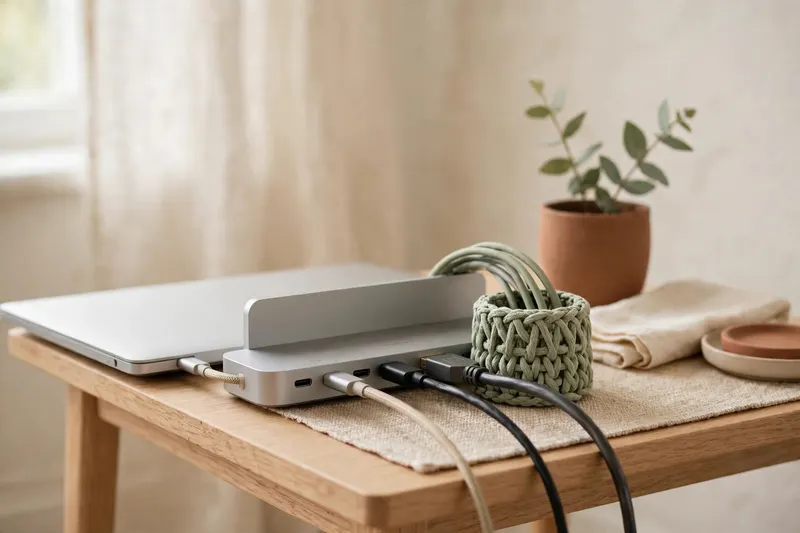
A docking station is a fixed home base for your laptop and accessories. Sit down, plug in one cable, and you are working. Unplug, close the lid, and the office is gone — nothing is ever “temporarily” on the kitchen counter.
3. Build a laptop docking tray
Use a shallow tray, about 16 by 12 inches, as the dock. The laptop, mouse, and notebook live on or in it; the tray itself lives on one shelf, in a cabinet, or on top of a bookcase. At 9am you lift it onto the table; at 6pm it goes back on the shelf. Because everything travels together, setup takes under a minute instead of a ten-minute hunt for the charger.
4. Mount the monitor, free the desk
If you use a second screen, a clamp-on monitor arm (about $25–40) is the single best purchase in this article. It lifts the screen off the desk, freeing roughly 2 square feet, and folds flat against the wall when you are done. In a rental it leaves no holes, and if your desk is also your dining table, that reclaimed space is the difference between eating at the table and eating on the sofa.
5. Keep a rolling docking cart for tight corners
No free shelf? A slim 3-tier rolling cart, about 13 inches wide, works as a mobile dock. Top tier: laptop and headphones. Middle: chargers and cables in a pouch. Bottom: notebooks and paper. Roll it to the table in the morning, roll it into a closet or behind the sofa at night. If that closet could become a permanent office, see 17 Small Home Office Closet Conversion Ideas (The Cloffice That Works) for the full conversion.
Dual-Purpose Furniture: Desk by Day, Dining Table by Night
In a small apartment, furniture has to earn its floor space twice: the desk is also the table you eat at, and storage has to hide work gear without looking like an office supply closet.
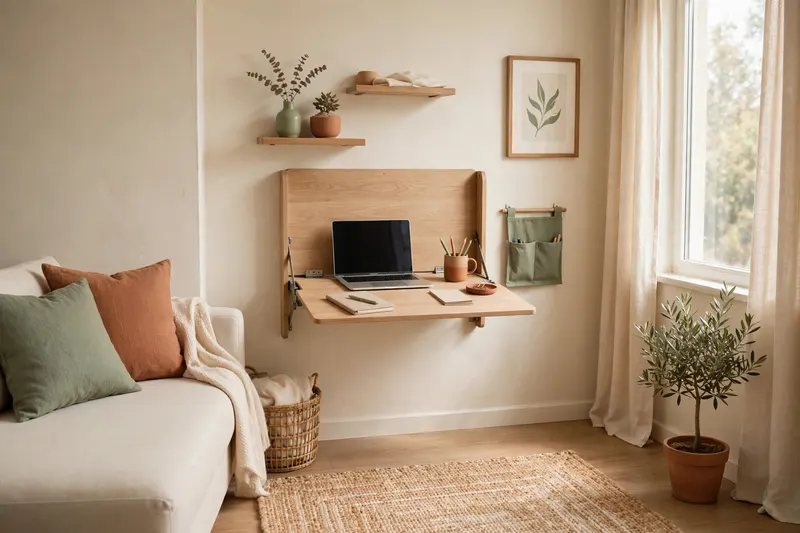
6. Choose a fold-down wall desk
A wall-mounted fold-down desk, roughly 30 by 20 inches open, gives you a real work surface and folds to a 4-inch-deep panel when closed. Mount it at desk height (about 29–30 inches) with a small shelf above it for the docking tray from idea 3. Renters should pick a model with heavy-duty removable brackets or a freestanding leaning version — no drilling, no deposit risk.
7. Make the dining table do double duty
If a separate desk is out of the question, set up the dining table properly. A darker table runner marks the “work side,” a laptop stand raises the screen to eye level, and a drawer in a nearby sideboard holds everything that must clear the table before dinner. The rule: the table is cleared completely, every evening. A half-cleared table is how work colonizes the whole apartment.
8. Hide gear inside furniture you already own
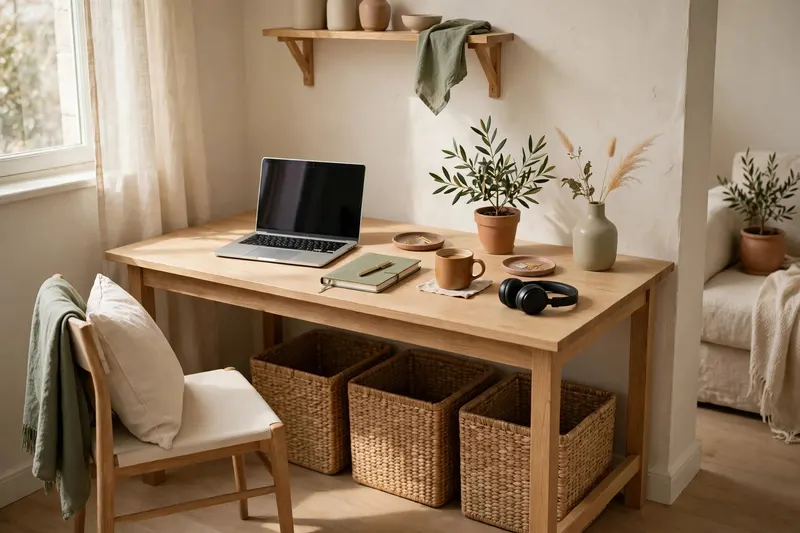
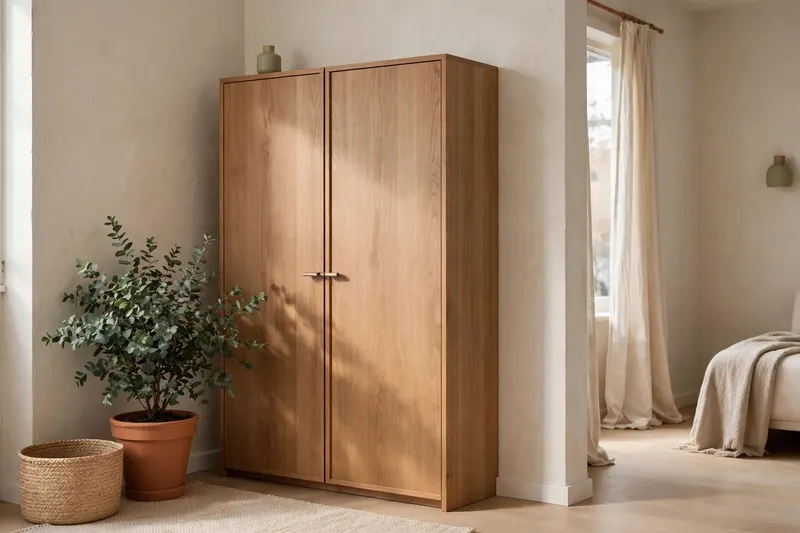
A storage ottoman (about 15 by 15 inches inside) swallows a laptop, headphones, and a notebook, and doubles as a footrest or extra seat. A bench with a lift-up lid by the door holds the work bag and the docking tray, and a sideboard drawer with a divider becomes the office drawer. These work from home storage ideas cost nothing if the furniture is already in your home. For more pieces that fold, hide, and multitask, see 15 Folding Furniture Storage Ideas for Small Apartments.
Cable and Charger Control in a Shared Room
Cables are the fastest way a tidy apartment starts looking messy: they tangle, migrate, and make a clean desk look chaotic in a single afternoon.
9. Run one cable tray under the table
Fit a simple under-desk cable tray (about 16 inches long, under $15) beneath your work surface and route the power strip, monitor cable, and charger through it, so everything hangs below the table edge, out of sight and off the floor. Add three adhesive cable clips along the table leg so the charger drops into the tray instead of pooling on the floor.
10. Give every charger a labeled home
One small drawer — or one lidded box, about 12 by 8 inches — holds every charger, cable, and adapter, each in its own slot with a wrap of Velcro ties. Label the drawer “chargers” and the cables with masking tape: “laptop,” “phone,” “headphones.” A cable with no label and no owner goes in a bag for one week; unclaimed, it leaves. If the whole household shares chargers, the same system scales up — see 15 Family Charging Station Ideas for Small Homes (End the Cable Chaos) for a shared setup.
Paper and Supplies: The One-Drawer Office
Paper is the quiet clutter multiplier: a few sheets a day becomes a leaning tower by Friday, and in a small apartment there is nowhere for a tower to hide.
11. Limit the office to one drawer
Choose one drawer — desk, kitchen, or sideboard — and declare it the entire office. Inside: a pen tray, a phone stand, sticky notes, and one pen cup. If it does not fit, it does not live in the apartment; scan it, file it digitally, or shred it. A single drawer forces honest decisions a whole cabinet never will, and it keeps tiny home office storage genuinely tiny.
12. File vertically, never in stacks
Stacks hide the bottom and grow without limit. A desktop file sorter with five upright slots (about 10 inches wide) holds active projects vertically: “to do,” “to file,” “to pay,” “reference,” and “waiting on someone.” Anything older than 30 days moves to one archive box on a high shelf or under the bed, and a weekly 10-minute sweep every Friday keeps it from accumulating. For the bills-and-documents side, 16 Home Paperwork Organization Ideas for Small Spaces (Bills, Files, No Piles) covers the full filing routine.
The Video-Call Backdrop: What the Camera Sees
Your colleagues see about 4 feet of your apartment behind you. That rectangle is the only part of your home that needs to look like an office. Treat the backdrop as a stage set, not a renovation.
13. Style one shelf as your backdrop
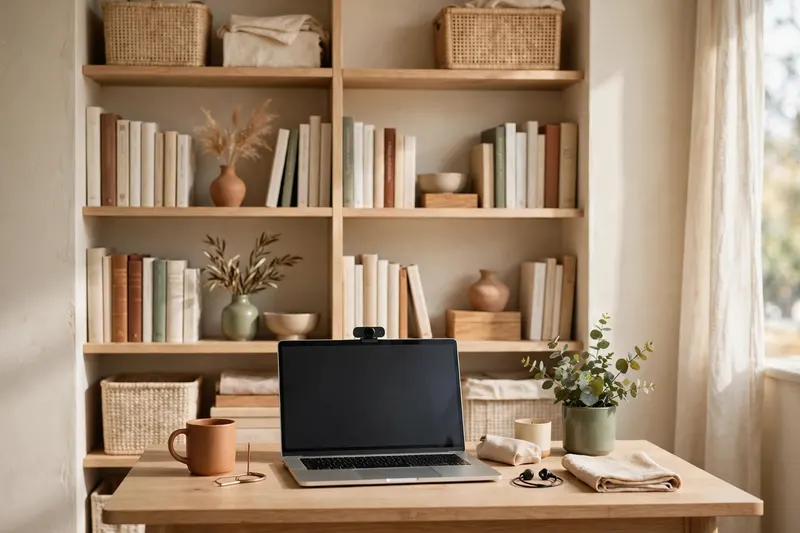
Place a small shelf or the top of a bookcase directly behind your chair and style it: two or three books stacked horizontally, one small plant, one framed print. That is the whole set. Keep it 3 to 4 feet behind you so the camera softens it, and keep the shelf shallow — 8 inches deep is plenty — so it never becomes a dumping ground.
14. Hang a curtain or folding screen behind you
If your work zone faces a messy room, a ceiling-mounted curtain track or a 3-panel folding screen (about 5 feet tall, folding flat to 18 inches wide) creates an instant backdrop: pull it closed for calls, fold it away after. Choose a solid, calm color — warm white, sage, or soft terracotta — so the camera reads it as intentional. A tension-rod curtain in a doorway works the same way in a rental with zero holes.
15. Set the camera at eye level, every time
A laptop on a flat table films you from below — chin, ceiling, and the clutter behind you. A laptop stand or a stack of two hardcover books raises the camera to eye level, cropping the frame to your face and the styled backdrop and cutting out the floor-level mess. Check the frame before your first call: if you can see laundry, dishes, or cables in the preview, shift the chair six inches, not the whole room.
The Shutdown Ritual: Hiding Work at 6pm
Storage is only half the system. The other half is a ritual that moves work out of sight every evening, so your living room becomes a living room again and your brain gets the message: the workday is over.
16. Pack a shutdown box
Keep a lidded box, about 14 by 10 inches, as the shutdown box. At the end of the day the laptop, notebook, and headphones go in, the lid goes on, and the box goes on its shelf — closing the lid is the signal that work is done. Choose a box that looks like home decor — woven, linen, or plain wood — so it can sit on an open shelf without announcing itself as office storage.
17. Run a five-minute reset, every evening
Set a timer for five minutes: clear the table, coil the charger into the cable tray, file the day’s paper, and wipe the work surface. Then put the shutdown box away and switch the lighting — close the laptop, open a lamp. The change tells your brain the room has changed purpose, and five minutes a night prevents the Saturday-morning avalanche where the whole apartment needs reclaiming at once.
Mistakes to Avoid
Buying storage before auditing. Matching bins feel productive, but if you have not counted what you own, you will buy the wrong sizes and fill them with things that should have left. Audit first, measure second, buy last.
Building a permanent office in a rental. A built-in desk, a wall of shelving, or anything needing drilling into a wall you do not own is a deposit risk. Everything in this article is freestanding, clamp-on, or removable for a reason.
Letting the “temporary” pile become permanent. The stack on the chair, the box on the floor, the charger on the sofa — temporary spots become permanent within a week. If something has sat in a temporary spot for seven days, it needs a real home or it needs to go.
Storing work gear in the bedroom. If your apartment allows any choice at all, keep the office out of the bedroom. A laptop on the nightstand ruins both your sleep and your evenings, and the living room or dining area absorbs a work zone far better than the room you sleep in.
Frequently Asked Questions
How do I set up a home office in a small apartment with no spare room?
Pick one zone — a corner, one end of the dining table, or a wall in the living room — and build a docking station there: a tray or cart holding the laptop, chargers, and notebook. Everything packs into it at 6pm and comes out at 9am. You do not need a room; you need a system with a clear on and off.
Can I hide my work setup completely at the end of the day?
Yes, with a shutdown box and a fold-down or rolling setup. A lidded box hides the laptop and accessories, a fold-down desk closes flat against the wall, and a rolling cart slides into a closet. The full pack-away takes about five minutes once the system is in place.
What is the best storage for work-from-home supplies in a tiny apartment?
One drawer, filed vertically. A single drawer with dividers holds pens, notes, and small supplies, and a five-slot vertical sorter handles active paper. Anything that does not fit should be scanned, filed digitally, or removed — the size limit is the feature, not the problem.
How do I make my video-call background look professional in a small apartment?
Style one shelf behind your chair with two or three books, a small plant, and one framed print, and raise the camera to eye level. If the room behind you is busy, a folding screen or curtain creates a clean backdrop in seconds. Check the preview before each call — if you can see clutter, shift the chair, not the room.
The Bottom Line
A small apartment does not need a home office — it needs a work system that appears at 9am and disappears at 6pm. One docking station, one drawer, one backdrop, and a five-minute shutdown ritual are enough to keep your job from taking over your home. Start with the audit and pick one idea from each section. For more ideas, browse the small-spaces collection, and save this pin for later so the shutdown checklist is there when you need it.